Build the practice your students need
Start with built-in Dolch, Fry, and phonics-pattern lists — or add your own words, sentences, vocabulary definitions, and comprehension questions.
Turn it into a game, flashcards, a spinner, or a discussion routine. No student accounts required.
See Build & Play in Action
Choose a game, customize the practice, and let students play.
How it works
Step 1 — Choose the target.
High-frequency words, a phonics pattern, this week's vocabulary, specific sounds — whatever your students need to practice.
Step 2 — Pick a list or build your own.
Built-in lists are organized and ready to go. Or type in exactly the words, sentences, or sounds you want.
Step 3 — Play it your way.
Launch it as a game, flashcards, or spinner — for whole group, centers, intervention, tutoring, partner practice, or at home.
What do your students need to practice?
Word Practice
Built-in lists and customizable activities for high-frequency words and phonics patterns.
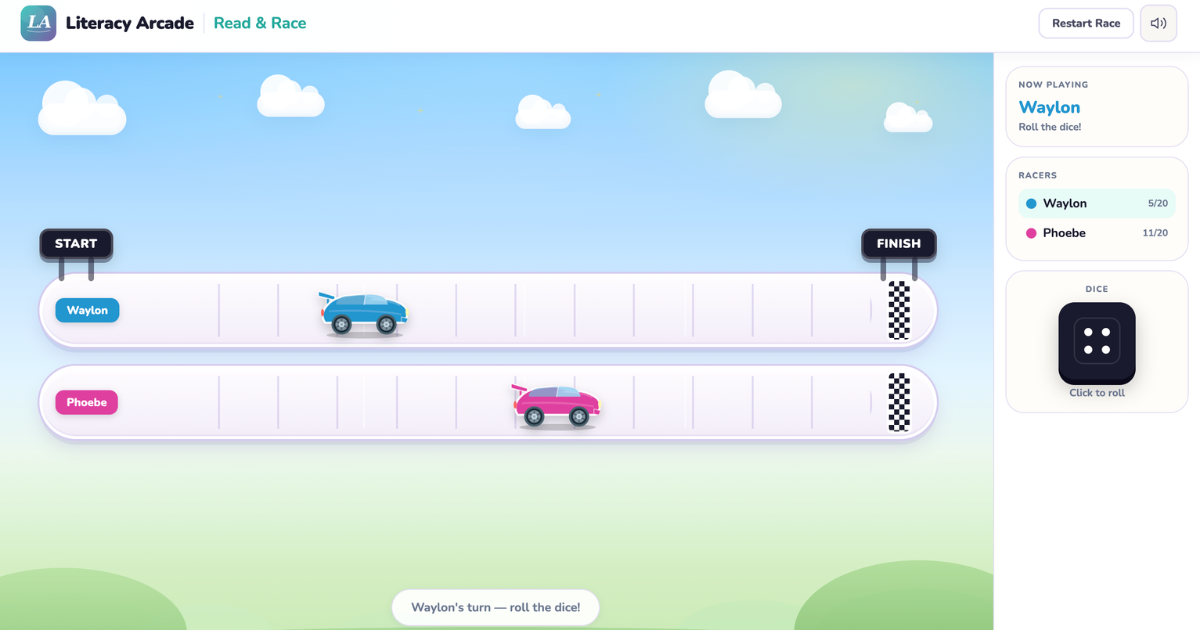 Read & Race
Open
Read words to move your racer down the track — built-in Dolch, Fry, and phonics lists, or your own words.
Built-in word listsCustom wordsShareable
Read & Race
Open
Read words to move your racer down the track — built-in Dolch, Fry, and phonics lists, or your own words.
Built-in word listsCustom wordsShareable
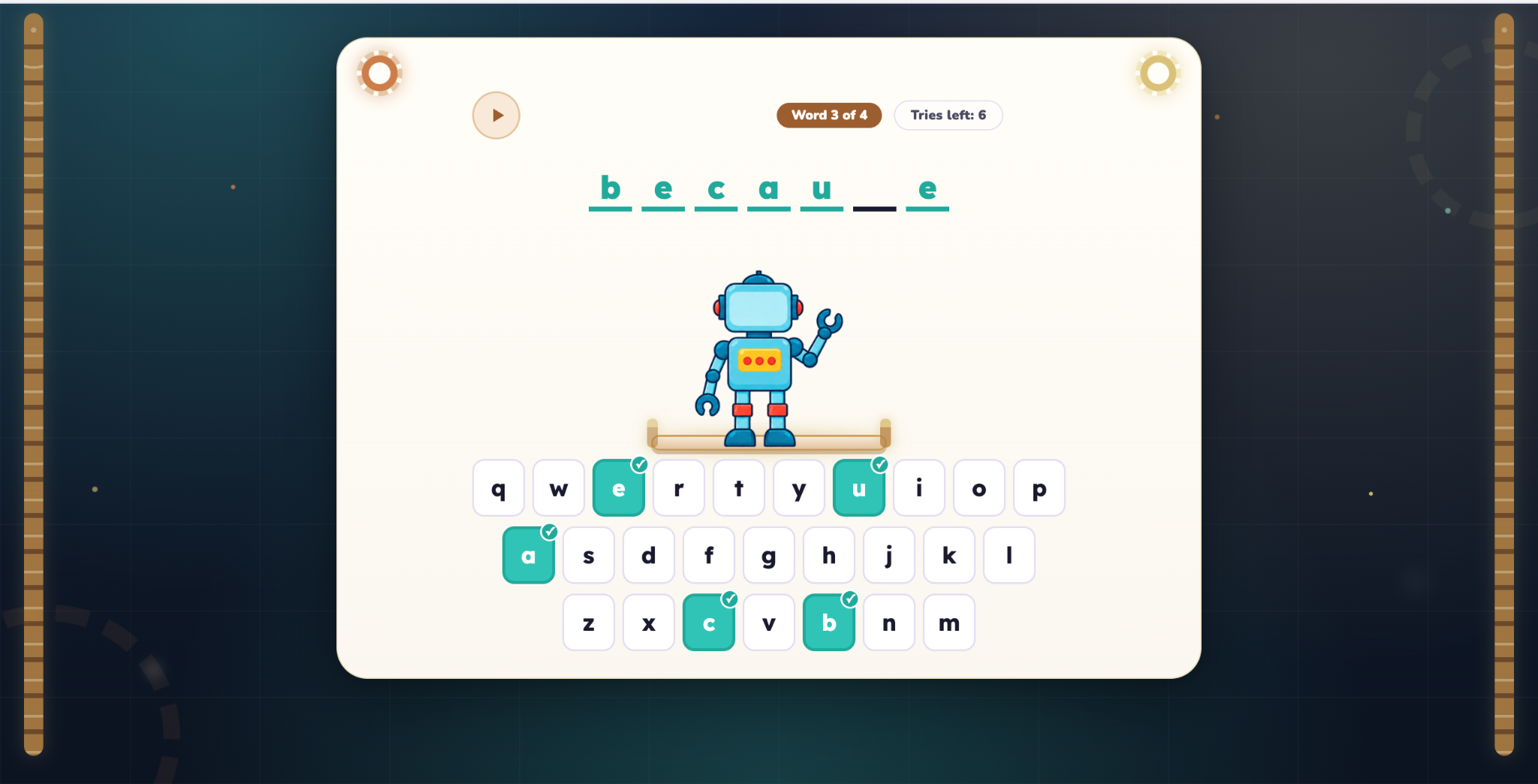 Robot Word Builder
Open
Listen to the word, choose the letters, and build the robot while practicing Fry words, Dolch words, and targeted phonics patterns.
Spelling practiceFry & DolchPhonics patterns
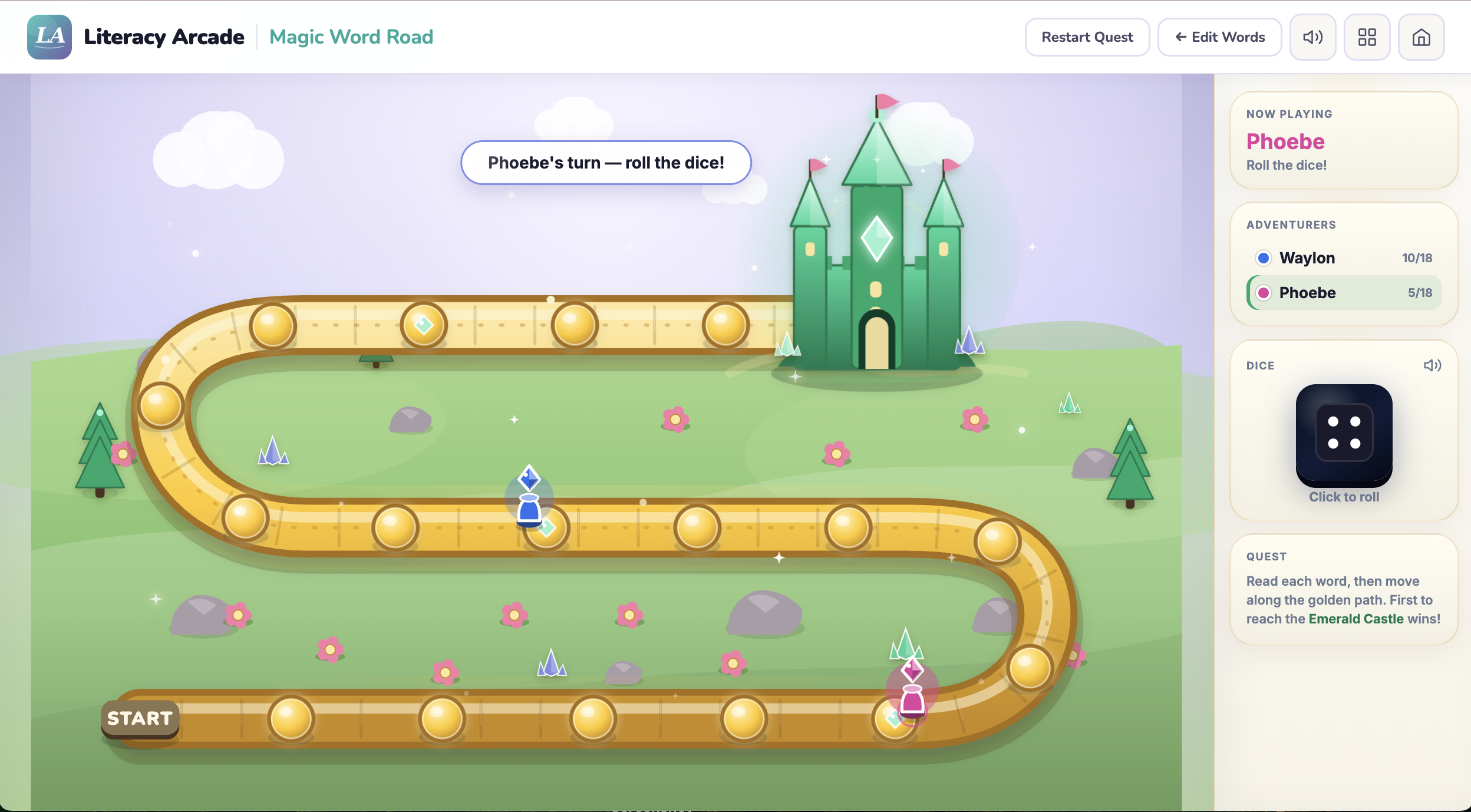
Magic Word Road
Open
Read words to travel a gentle, story-like road — built-in Dolch, Fry, and phonics lists, or your own words.
Built-in word listsCustom wordsShareable
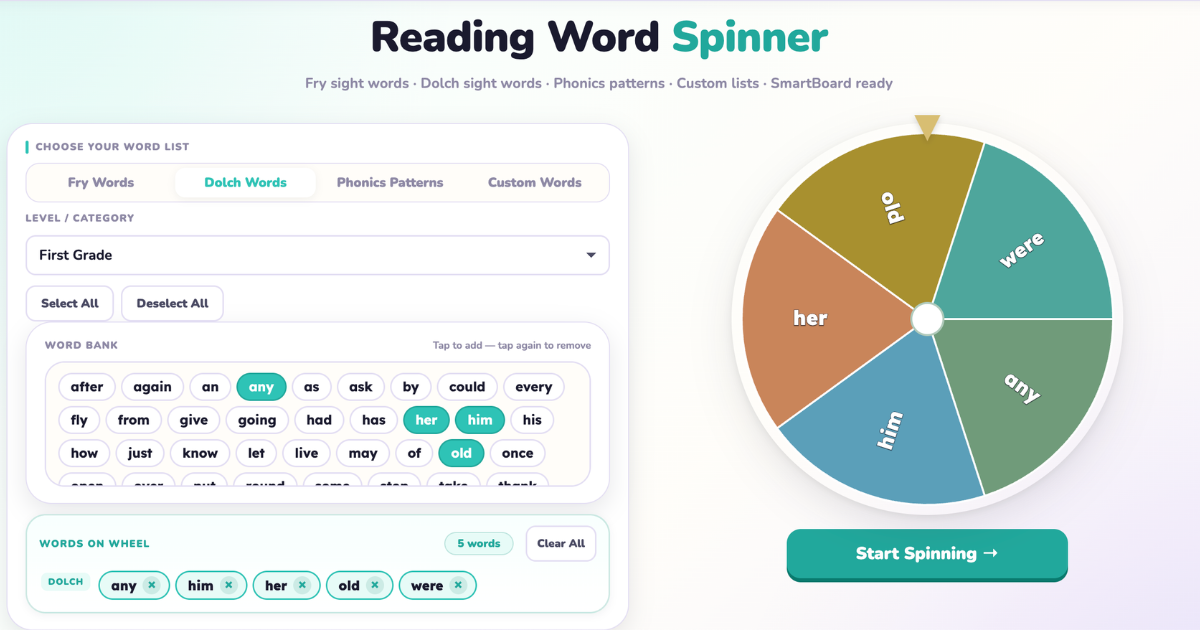
Reading Word Spinner
Open
Spin, read, repeat — a quick word-practice routine for warm-ups and partner turns, with built-in lists or your own words.
Built-in word listsCustom wordsShareable
Robot Word Builder
Open
Listen to the word, choose the letters, and build the robot while practicing Fry words, Dolch words, and targeted phonics patterns.
Spelling practiceFry & DolchPhonics patterns
Magic Word Road
Open
Read words to travel a gentle, story-like road — built-in Dolch, Fry, and phonics lists, or your own words.
Built-in word listsCustom wordsShareable
Reading Word Spinner
Open
Spin, read, repeat — a quick word-practice routine for warm-ups and partner turns, with built-in lists or your own words.
Built-in word listsCustom wordsShareable
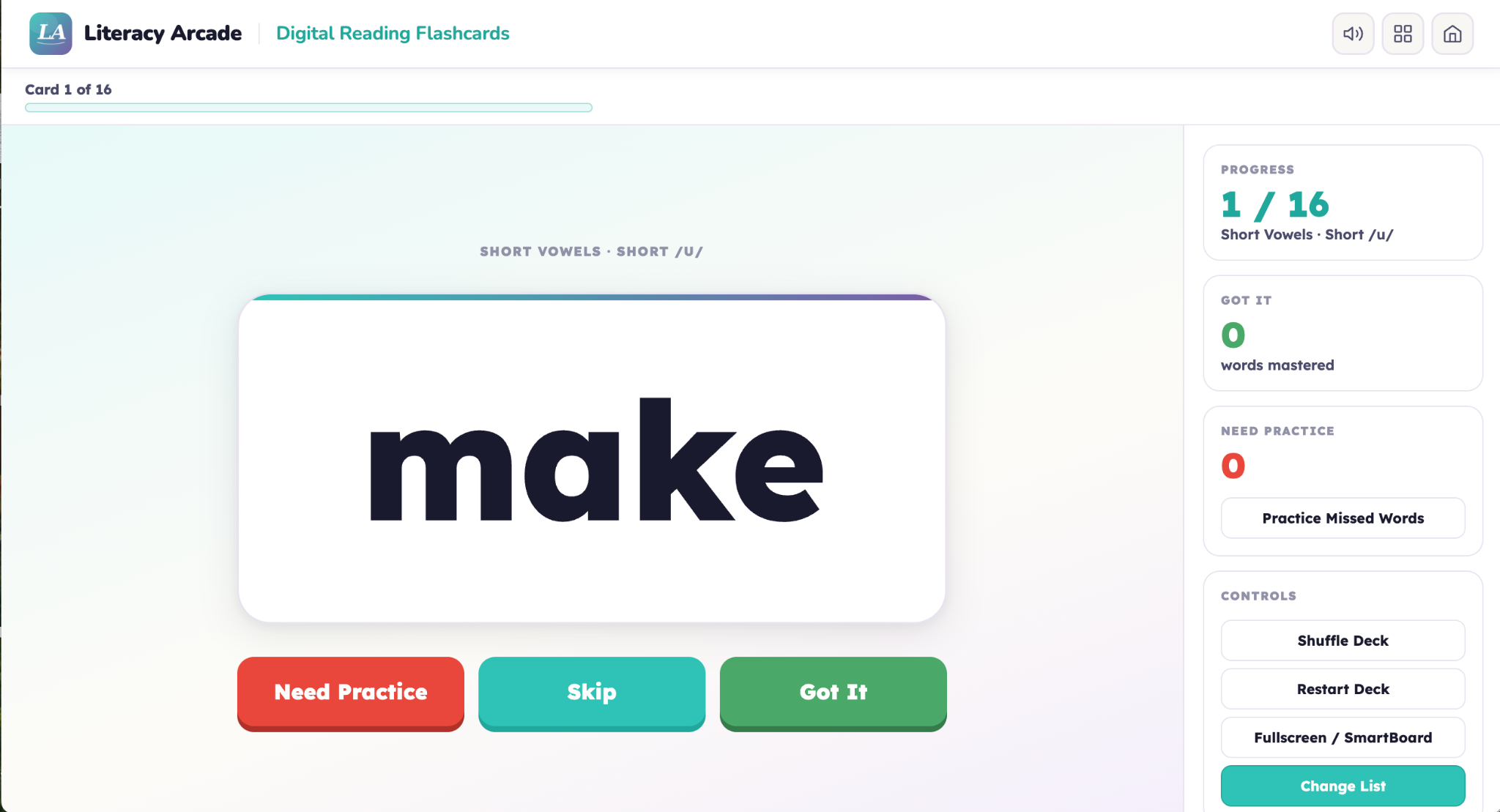 Digital Reading Flashcards
Open
Classic flashcard practice with built-in Dolch, Fry, and phonics lists, or any words you enter.
Built-in word listsCustom wordsShareable
Digital Reading Flashcards
Open
Classic flashcard practice with built-in Dolch, Fry, and phonics lists, or any words you enter.
Built-in word listsCustom wordsShareable
Sentence, Vocabulary & Comprehension
Create practice using your own sentences, definitions, and text-based questions.
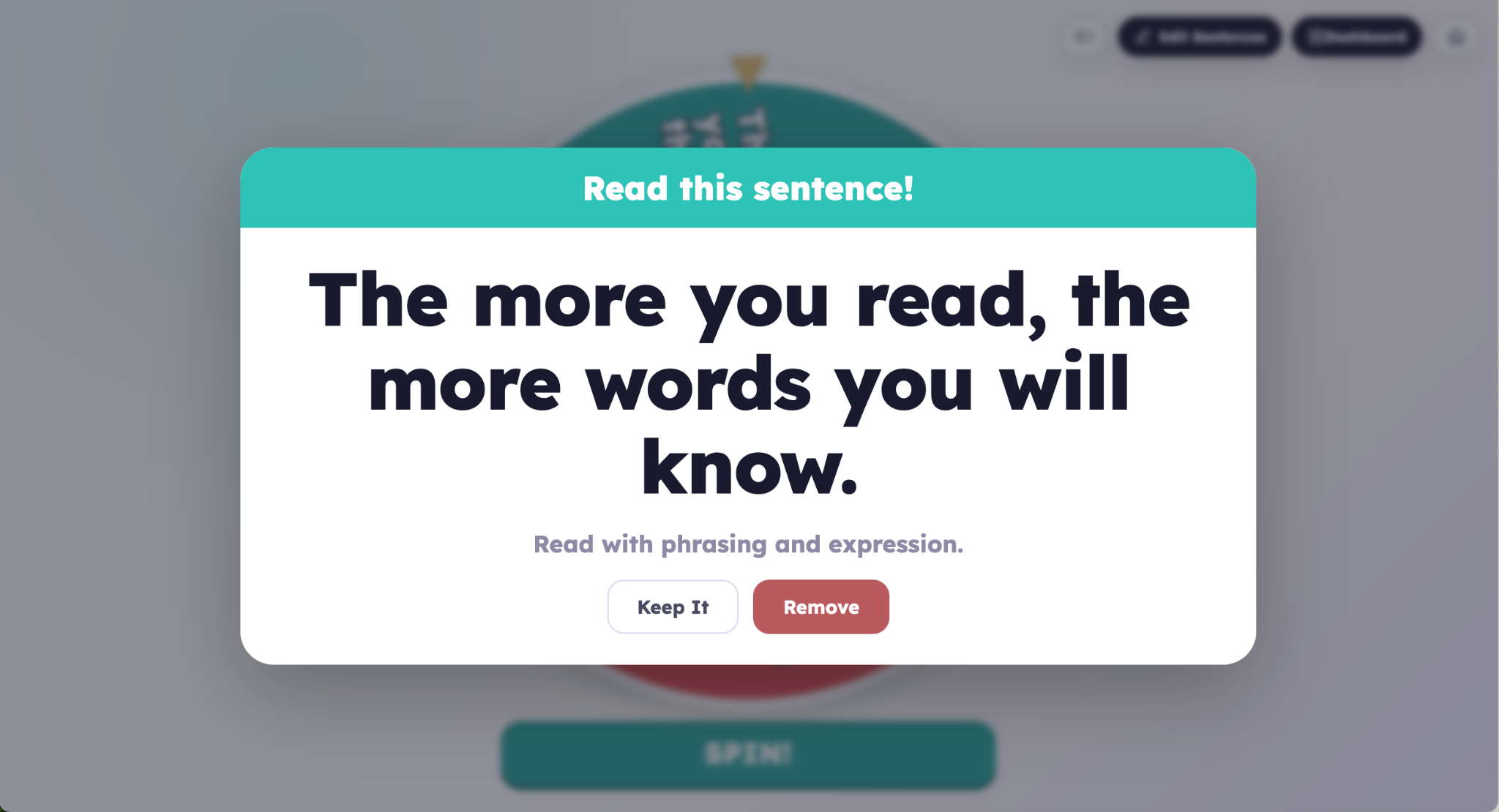 Sentence Spinner
Open
Practice phrasing, expression, and smooth sentence reading with your own sentences.
Custom sentencesShareable
Sentence Spinner
Open
Practice phrasing, expression, and smooth sentence reading with your own sentences.
Custom sentencesShareable
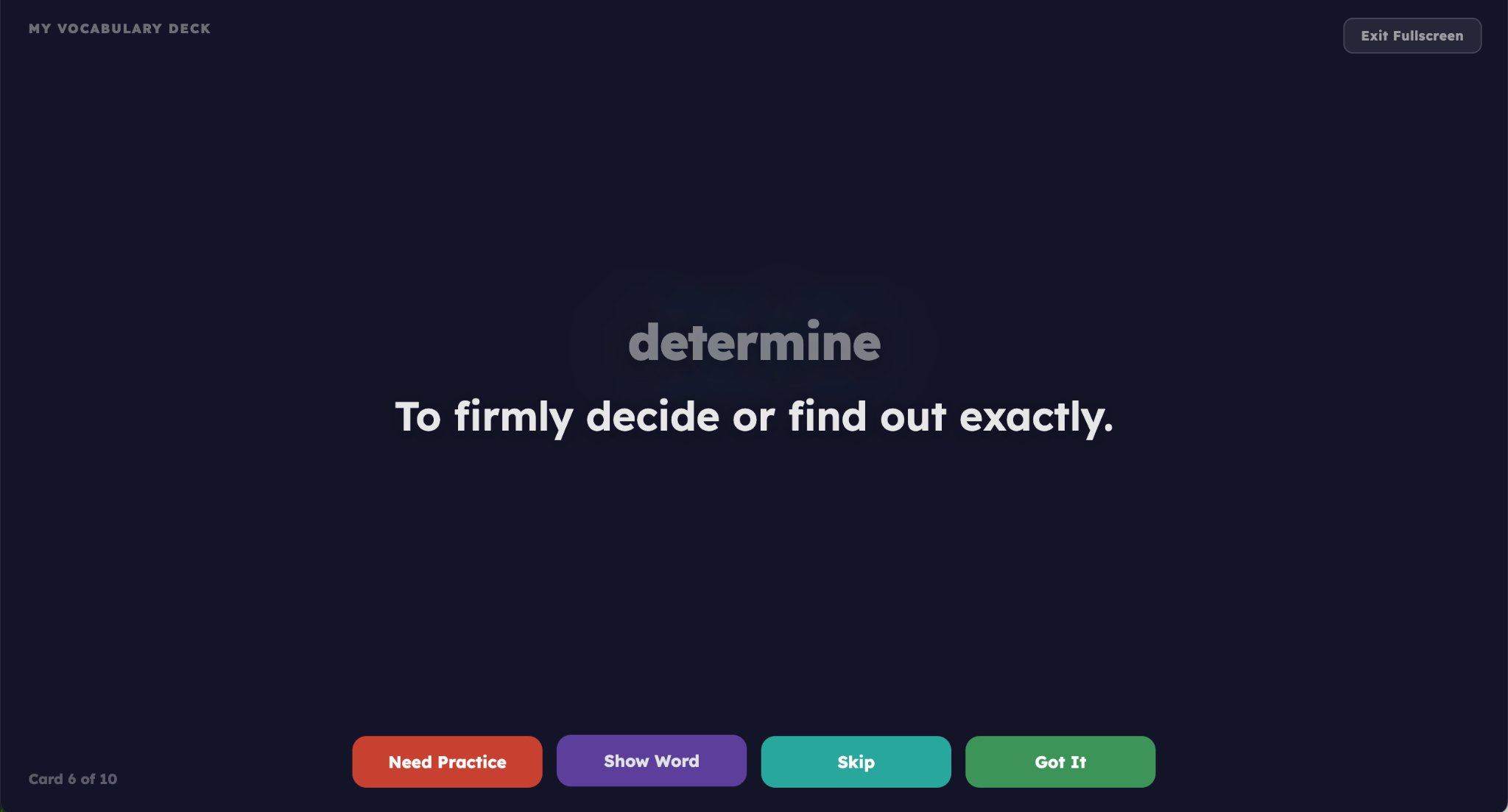 Vocabulary Flashcards
Open
Build custom vocabulary cards with your own words and definitions for any subject or unit.
Custom vocabularyAdd definitionsShareable
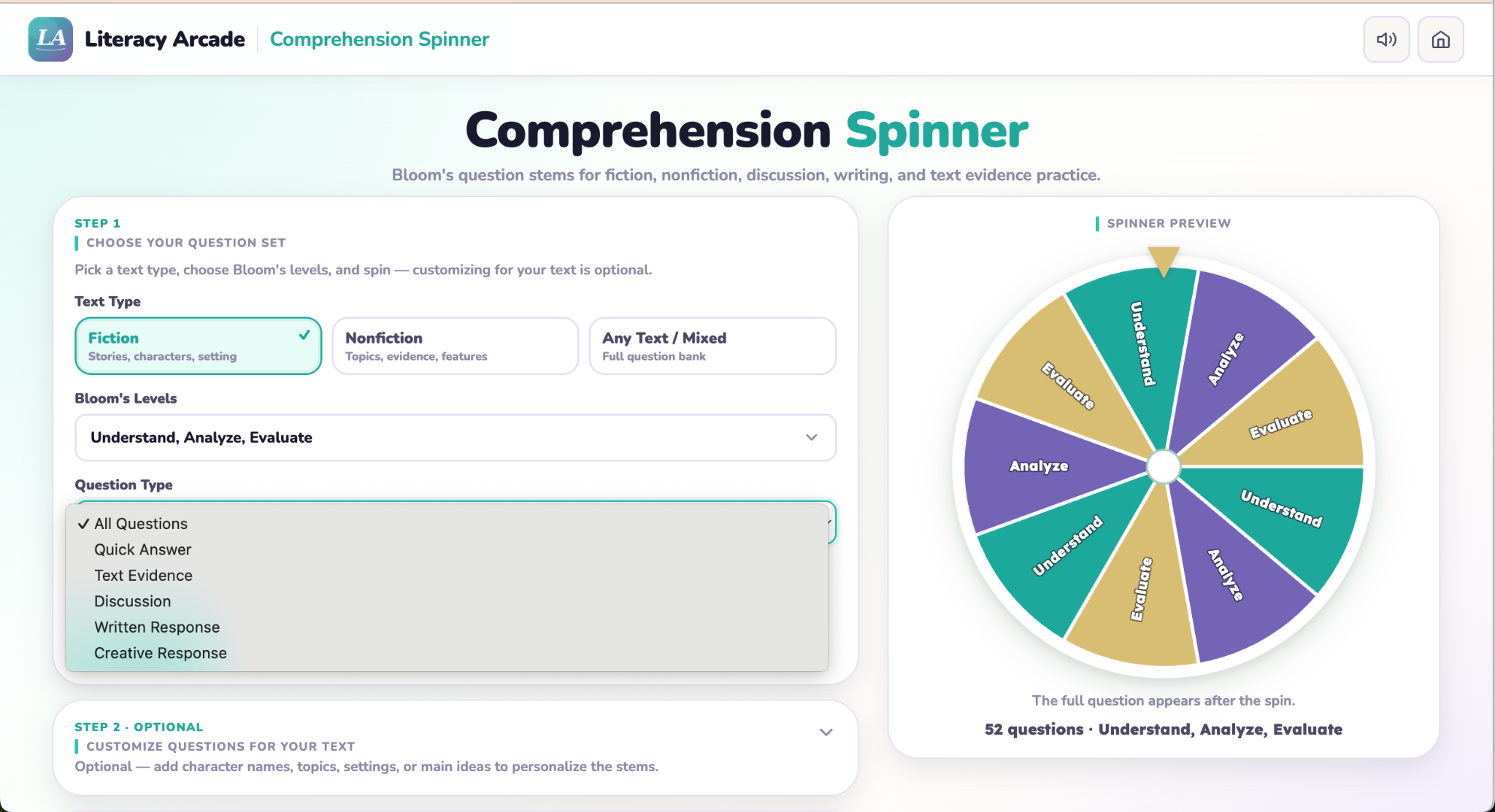
Comprehension Question Spinner
Open
Create text-based questions from Bloom's levels for discussion and written response.
Built-in question bankCustom questionsShareable
Vocabulary Flashcards
Open
Build custom vocabulary cards with your own words and definitions for any subject or unit.
Custom vocabularyAdd definitionsShareable
Comprehension Question Spinner
Open
Create text-based questions from Bloom's levels for discussion and written response.
Built-in question bankCustom questionsShareable
Built it? Share it.
Built an activity your students need? Share it through Google Classroom or a link — students play exactly what you made, locked to your setup, no student accounts needed.
Look for the Shareable tag on the cards above.